Skip to Main Content Enable / Disable keyboard navigation (ENTER key) Accessible Menu Accessibility panel Reset accessibility Sitemap Accessibility statement

Getting Started with ByTheWeb

Boost your website AI Visibility with ByTheWeb.
Bytheweb 3 dots icon
1

Free Account

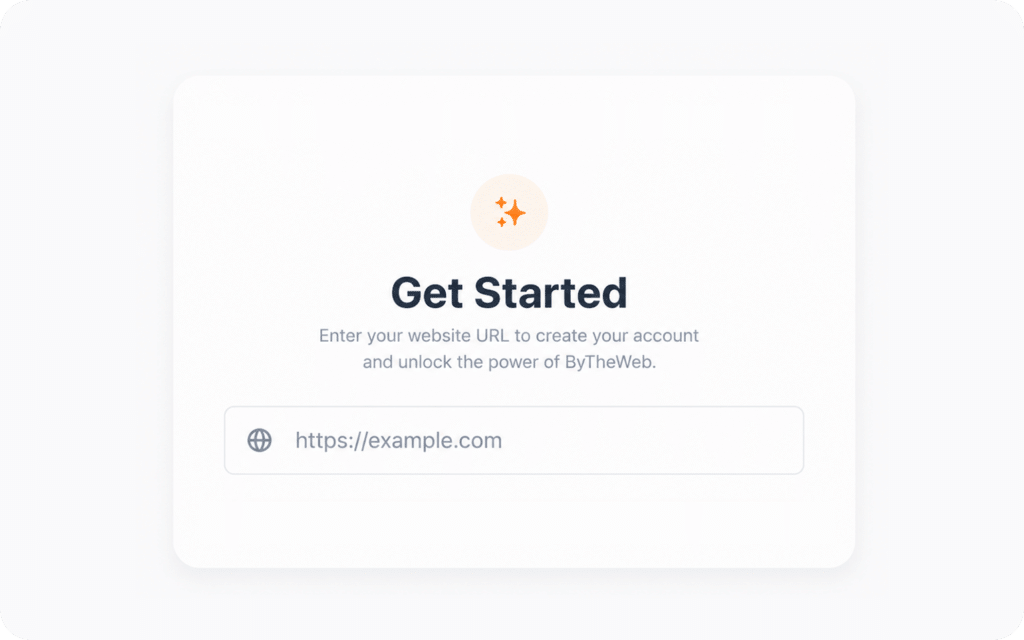
Create your ByTheWeb account for your WordPress site.
Get free 7,000 AI credits for 30 days after connecting your API Key.

No credit card required.
Get Started - create for Free ByTheWeb account
2
Install ByTheWeb Plugins

Install the Plugins

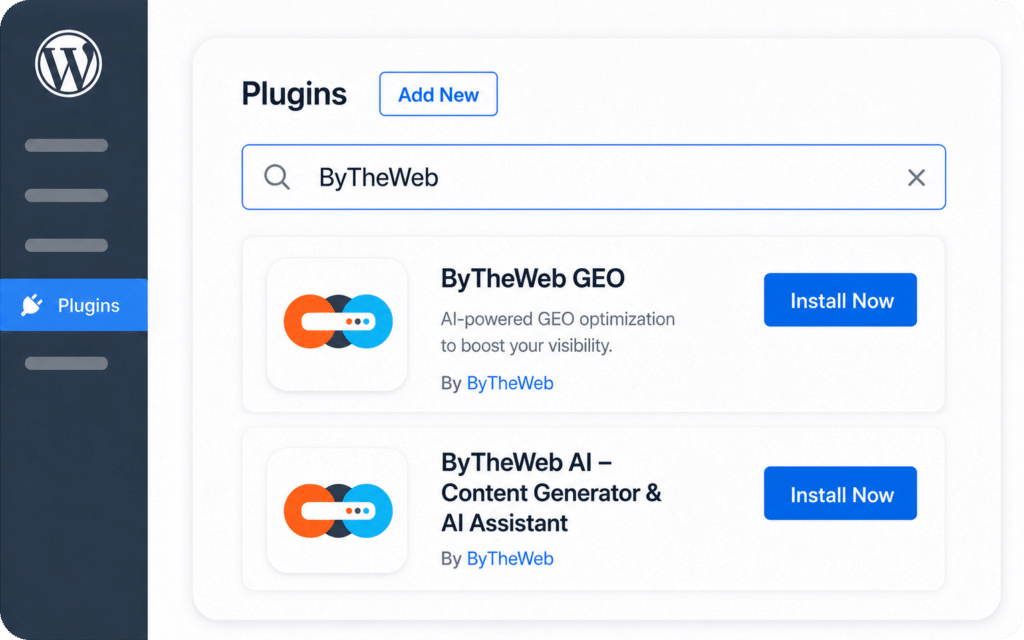
Install the ByTheWeb plugins directly on your WordPress site. Use the quick install links to open your WordPress dashboard, find the plugins, and install them in just a few clicks.

3

Connect Your API Key

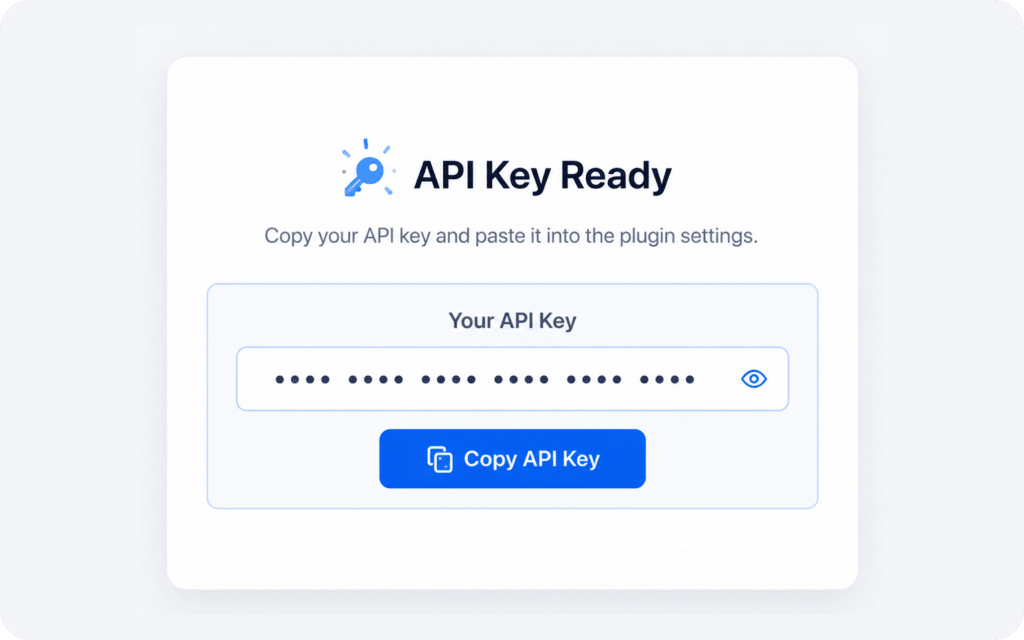
Copy your API Key from your ByTheWeb account and paste it into the plugin settings inside WordPress. This connects your site and activates your free 30-day credits.
Connect Your API Key
4
Your Website is Ready to Optimize

Ready to Optimize!

Your site is now connected. Run your audit, review the suggested improvements, and start using ByTheWeb to improve your SEO, AI visibility, content fields, and site structure.
1

Free Account

Get Started - create for Free ByTheWeb account

Create your ByTheWeb account for your WordPress site.

Get free 7,000 AI credits for 30 days.

Install the Plugins

Install ByTheWeb Plugins
2

Install the ByTheWeb plugins on your site – directly from the WordPress.org Plugin Directory.

Connect Your API Key
Connect Your API Key
3
Paste your API Key in the plugin settings to activate credits.

Install the Plugins

Install ByTheWeb Plugins
1

Install the ByTheWeb plugins on your site – directly from the WordPress.org Plugin Directory.

Connect Your API Key

Connect Your API Key
2
Paste your API Key in the plugin settings to activate credits.

Get free 7,000 AI credits for 30 days.

3

Ready to Optimize

Your Website is Ready to Optimize

Run your audit and start improving your site with ByTheWeb.

1

Install the Free GEO Framework

Search for ByTheWeb GEO in your WordPress plugins directory.
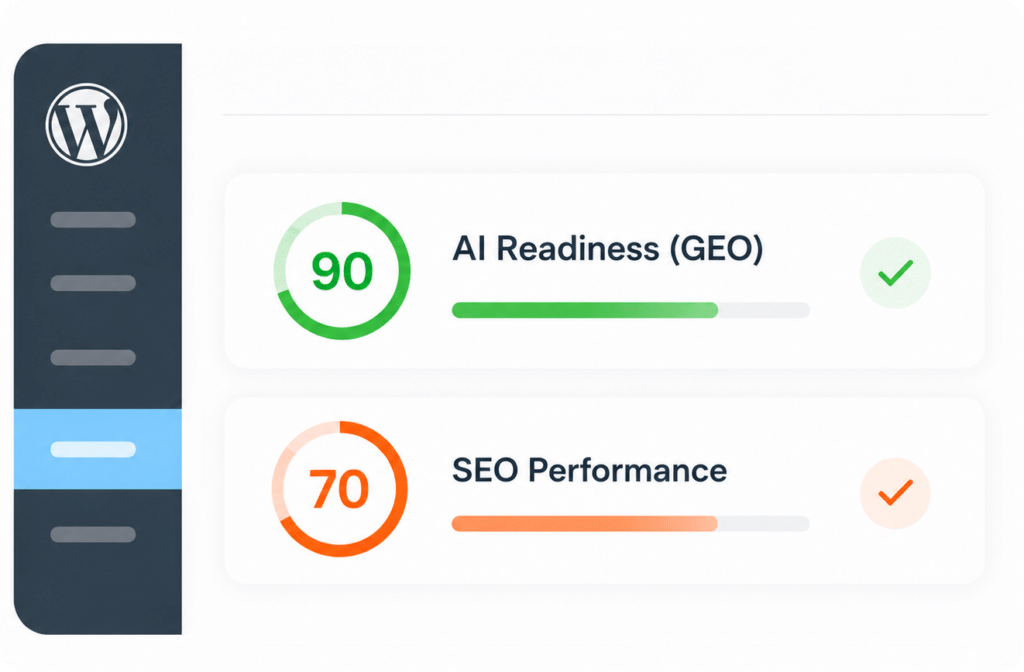
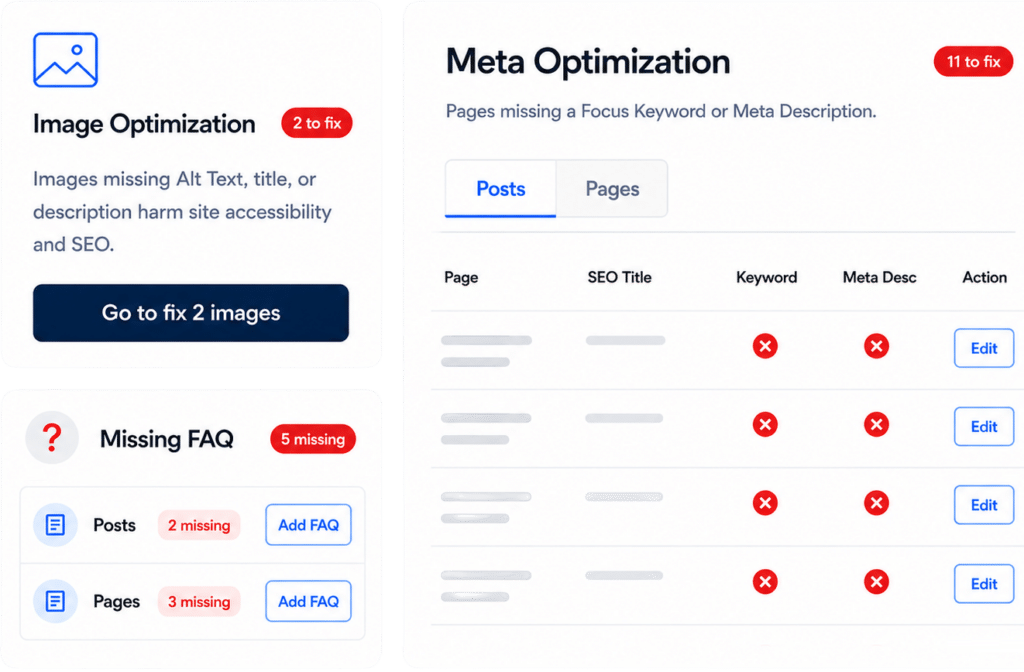
Once activated, it runs an instant audit across your content, giving you a clear AI-Readiness score and highlighting exactly which pages are missing crucial data.

Install the Free GEO Framework
2
Take Control (The Manual Approach)

Take Control (The Manual Approach)

The GEO dashboard gives you the exact fields AI engines are looking for.
You can manually write your own Short Answers, summarize Key Facts, and build FAQ schemas completely for free.
Our plugin will automatically compile them into a structured llms.txt file and JSON-LD schemas for bots to crawl.

3

Automate with the AI Brain

Install the ByTheWeb AI companion plugin and connect your free API key to unlock 7,000 free credits for a 30-day trial.
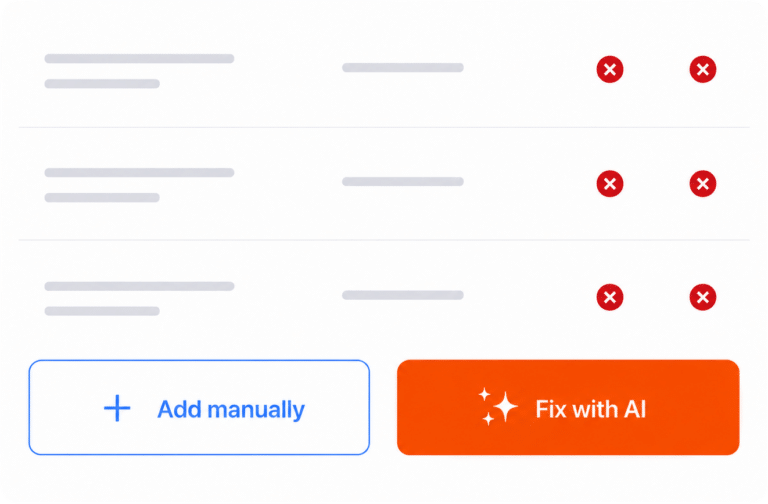
Then, simply click the orange “Fix with AI” button and let our cloud engine instantly generate all your missing summaries, schemas, and SEO elements. articles, images metadata and more/.

Automate with the AI Brain
1

Scan your site

Get clear SEO & GEO scores across your content.

Find the gaps

2

See what’s missing and what should be improved.

Fix it your way

3

Update manually for free, or let AI generate the missing elements for you.

ByTheWeb GEO
ByTheWeb GEO

The Framework

A 100% free plugin that audits your site and builds the technical infrastructure AI engines look for (new AI Summary fields, llms.txt files, and dynamic schemas).

ByTheWeb AI
ByTheWeb AI

The Brain

Our powerful cloud-connected AI assistant. It connects to your site and generates the actual content to fill those fields automatically.

It's 2026, The Answer Engine Era has begun.

To make your transition to Generative Engine Optimization (GEO) as seamless as possible, we separated the "Framework" from the "Brain."
The next generation of WordPress optimization. Built for AI.
Upgrade your site in minutes without touching a line of code.
It's free.