Skip to Main Content Enable / Disable keyboard navigation (ENTER key) Accessible Menu Accessibility panel Reset accessibility Sitemap Accessibility statement

How it works?

Download the plugin, start improving your site with free tools.
Enable advanced AI workflows when you’re ready
1

Install the plugin

Start in minutes.

Download

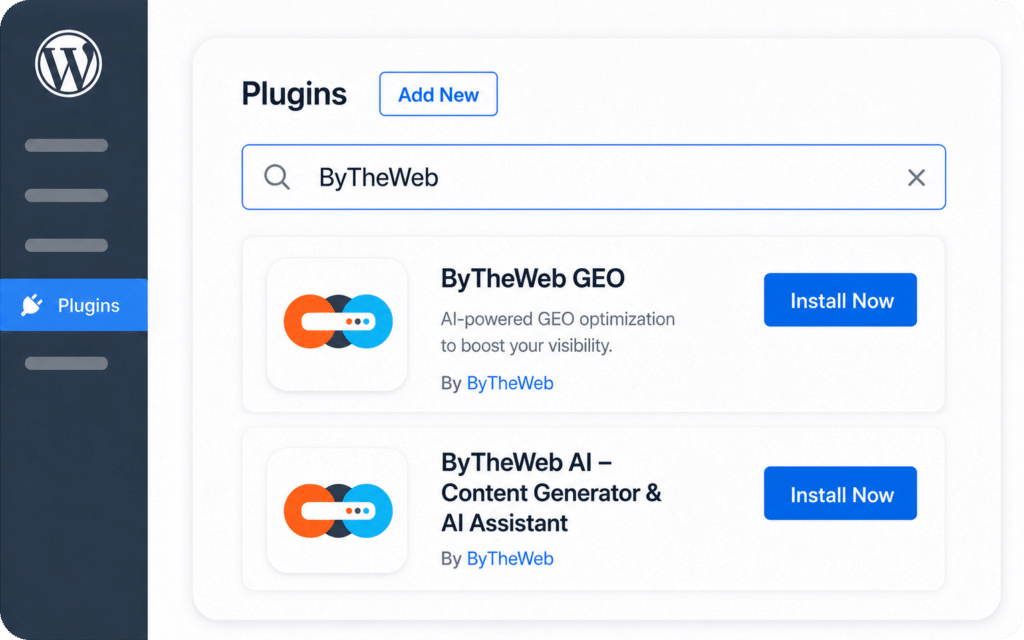
Download the plugin from WordPress.org

FREE

Installation

Install and activate it on your WordPress site.

Quick Start

Open the ByTheWeb AI menu in your admin dashboard

2
FREE

Improve your site with free tools

No account needed
★ AI-Search Ready Website

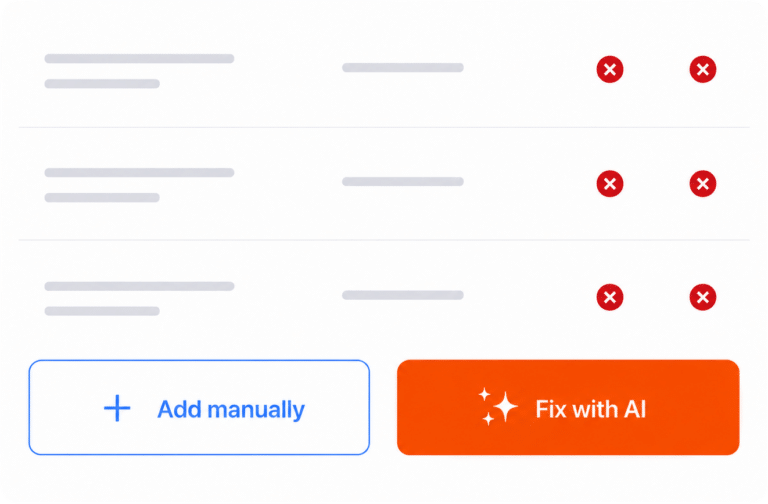
Manual FAQ Schema Generation

Add FAQ Schema to any page or post to improve AI search understanding.

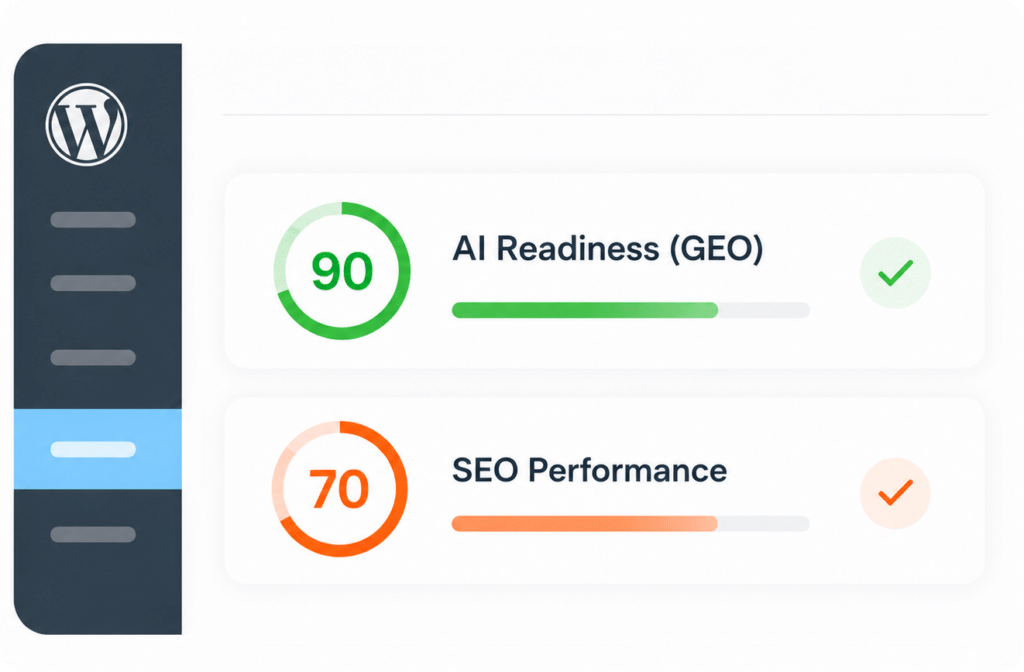
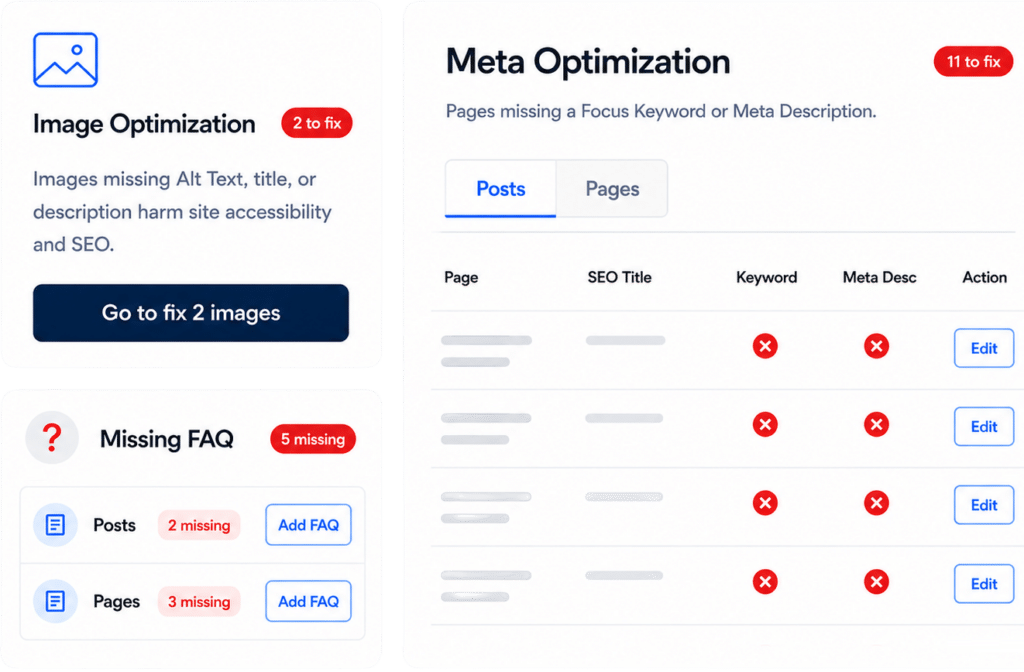
Run Site Analysis

See what’s missing and what to fix or update first.

Use
SEO Audit

Review full site SEO titles, focus keywords, and meta descriptions across pages – all in one table

Optimize images

Improving Alt / Title / Caption / Description for better accessibility and stronger content signals.

3
AI Add-On

Enable advanced AI Add-On workflows

GET 7,000 FREE AI credits with OUR '30 DAYS TRIAL'

AI FAQ Schema Generation

★ AI-Search Ready Website

Automatically add FAQ Schema from existing page content to improve AI search understanding.

AI Article Wizard

Generate structured content drafts directly inside WordPress.

AI Image Generator

Generate a realistic featured image for posts/pages/CPTs.

AI Media Optimization

Generate or improve image metadata faster and at scale.

AI Add-On

AI Credit Cost (per action)

TRY OUR '30 DAYS TRIAL' AND GET FREE AI CREDITS.

AI Article Wizard

Generate structured articles in any language – built for SEO + GEO (AI visibility).

Credits: 1,450

AI Image Generator

Generate realistic featured images for posts, pages, and CPTs.
Credits: 375

AI FAQ Generation

Generate FAQs + behind-the-scenes FAQ Schema from any post or page content.
Credits: 450

AI Media Optimization

Generate or improve image metadata – faster and at scale.
Credits: 185
GET 7,000 FREE AI credits with OUR '30 DAYS TRIAL'

Frequently Asked Questions

How do I download the AI Plugin?

You can download the AI Plugin from WordPress.org for free.

Is there an account needed to use the plugin?

No, you don't need an account to use the free tools provided by the plugin.

What features does the AI Plugin offer?

The plugin offers Site Analysis, SEO Audit, Schema addition, and AI content generation features.

Can I generate FAQs with the AI Plugin?

Yes, the AI Plugin can generate FAQs and add behind-the-scenes FAQ Schema automatically.

How can I optimize images using the plugin?

You can improve image Alt text, Titles, Captions, and Descriptions for better accessibility.

Is there a trial period for the plugin?

Yes, you can try the plugin for 30 days and receive free AI credits.

What is the AI Article Wizard?

The AI Article Wizard helps generate structured content drafts directly within WordPress.

How does the AI Media Optimization work?

AI Media Optimization allows you to generate or improve image metadata more efficiently.

Can I add Schema manually?

Yes, you can add Schema manually to any page or post using the plugin.

What is AI Search Ready Website?

An AI Search Ready Website is optimized for better understanding and visibility by AI search engines.